ATS-friendly CV template
Moscow Centred, serif and formal.
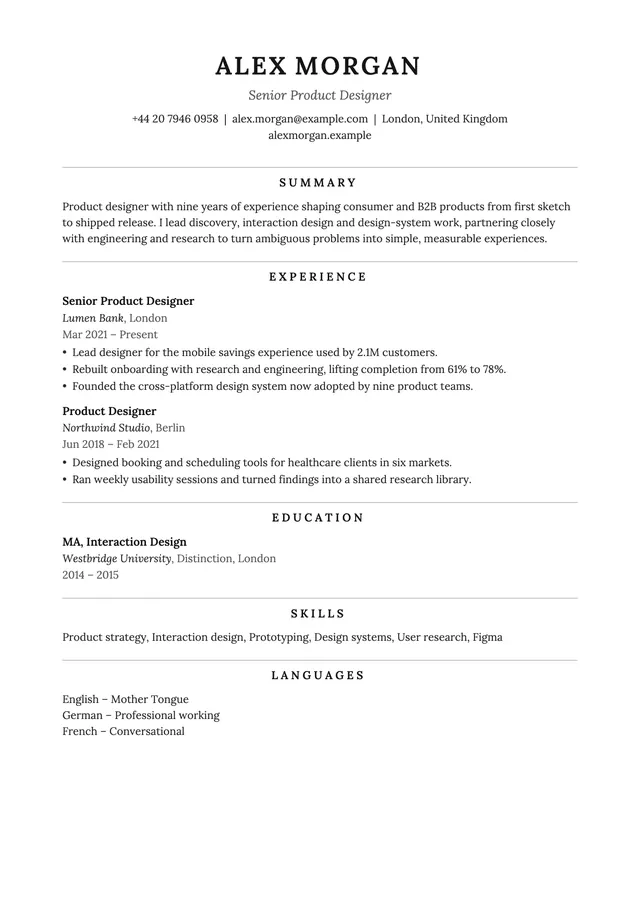
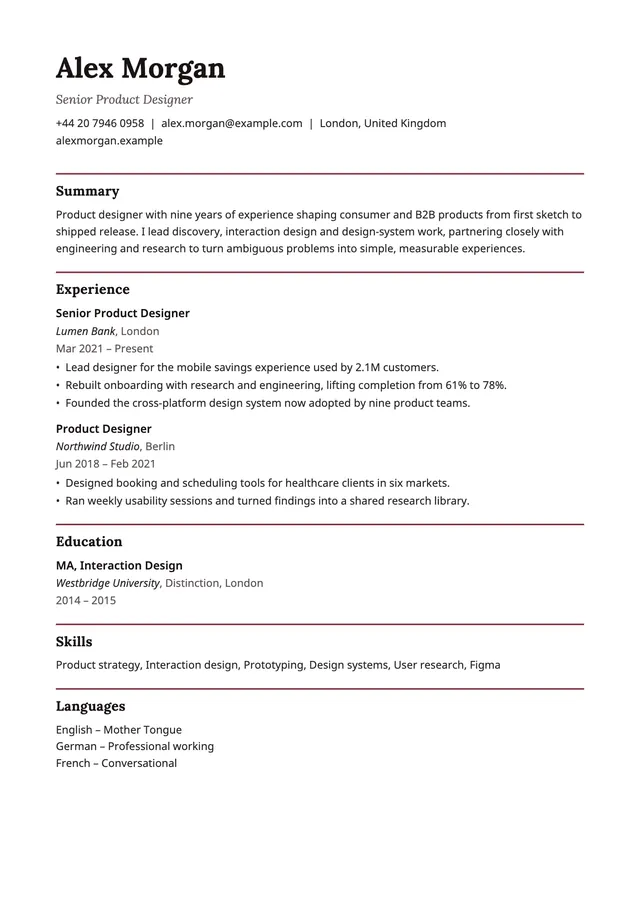
Moscow sets everything in the Lora serif. Your name is in spaced capitals, centred above an italic job title and the contact line, and each section opens with a centred heading under a thin grey rule. The body text stays left-aligned in one column.
The layout
How Moscow is built, and what it suits.
- Layout
- One column, centred header
- Photo
- None
- Typeface
- Lora (serif)
- Headings
- Centred, spaced capitals under a thin grey rule
- Dates
- On their own line under each role
- Skills
- One paragraph, separated by commas
- Colour
- Black and grey
What it suits
Applications through job portals and company career sites, where an applicant tracking system often reads the file before a person does. One column, standard headings and no photo keep the text in the order you wrote it.
Of the five ATS templates it has the most formal, traditional look, close to what is often called a Harvard-style CV.
Make it yours
The sample is a finished PDF, not a Word or Google Docs file. To use Moscow, fill in your details once in Smart CV on iPhone, choose Moscow and export your own PDF. Sections you leave empty are left out, and a long CV continues onto a second page.
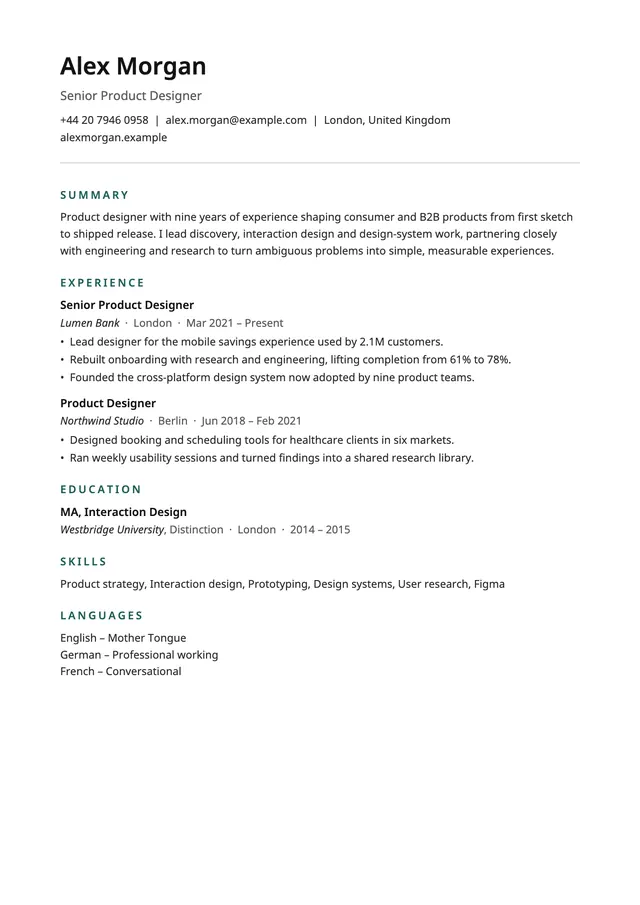
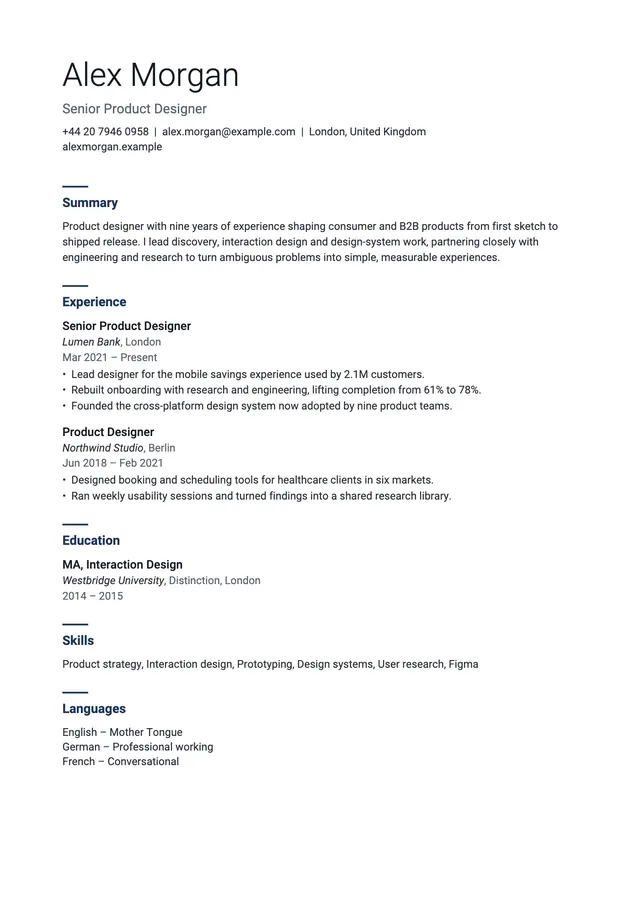
More ATS templates. All one column.
See all 12 templates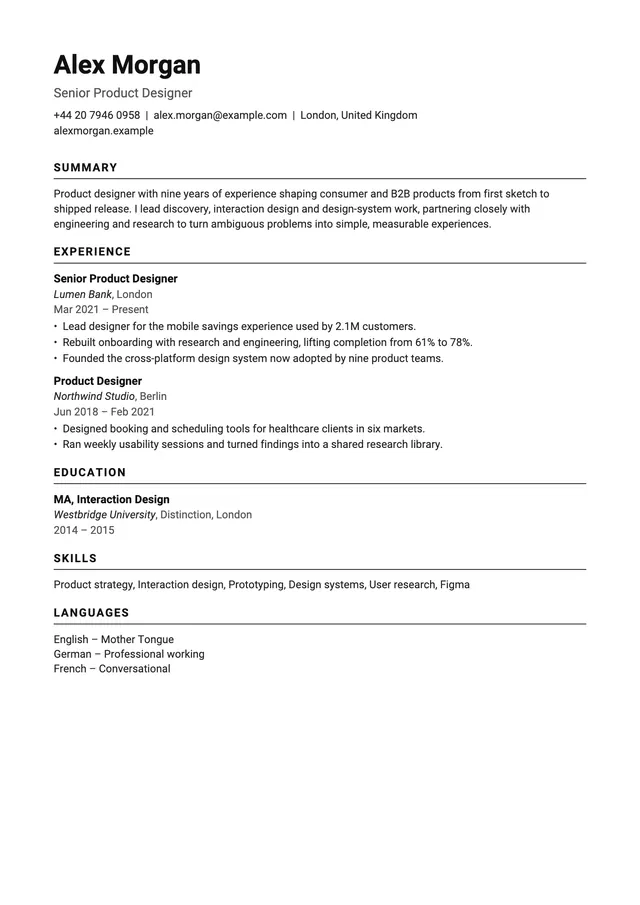
Already have a CV as a PDF? See how an applicant tracking system reads it. Free ATS checker

Moscow comes with Smart CV Pro.
Smart CV Pro, an auto-renewing subscription, unlocks all twelve templates, unlimited CVs, AI cover letters and CV scoring. Paris and New York are free. Plans and prices are shown in the app before you subscribe.