Design CV template
Sydney Two tones, sand and ocean blue.
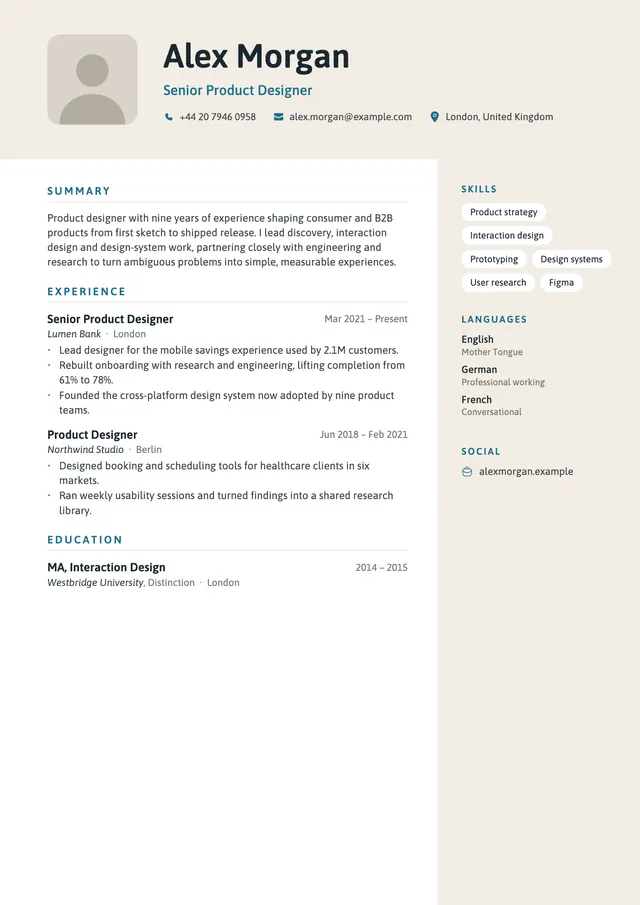
Sydney starts with a sand-coloured band across the top holding a rounded-square photo, your name and your contact details with icons. Below it, the sand colour continues as a column on the right for skills, languages and links, while the main column carries your experience. Accents are ocean blue and the typeface is Asap.
The layout
How Sydney is built, and what it suits.
- Layout
- Header band, then a column on the right
- Photo
- Rounded square, optional, in the band
- Typeface
- Asap
- Headings
- Blue spaced capitals, a hairline below
- Dates
- Right-aligned beside each job title
- Skills
- White pills in the right column
- Colour
- Sand panels, ocean blue accent
What it suits
Applications a person reads first: an email to a recruiter, a referral, a printed copy for an interview. For job portals, an ATS template is the safer choice, because some applicant tracking systems read sidebars, columns and header bands out of order.
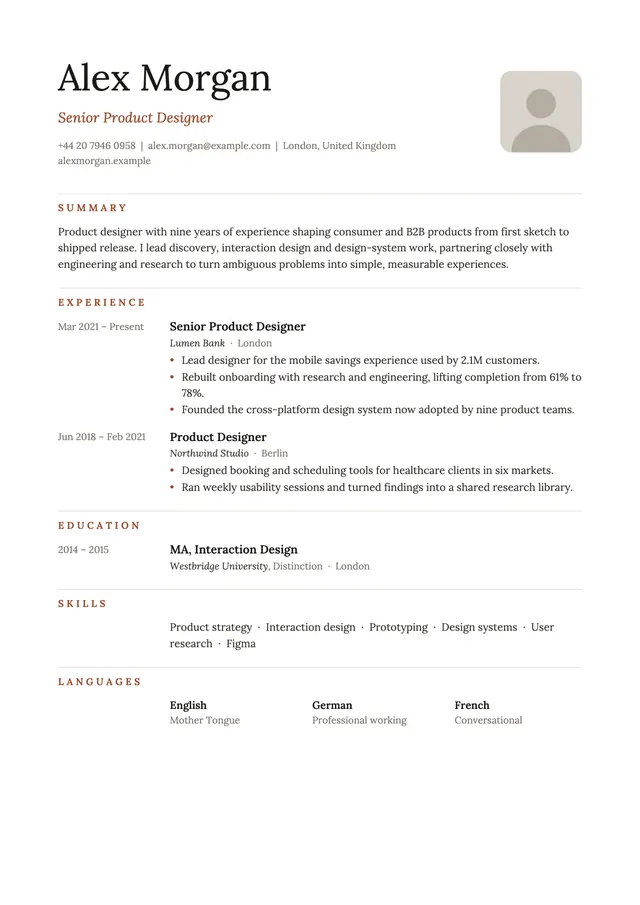
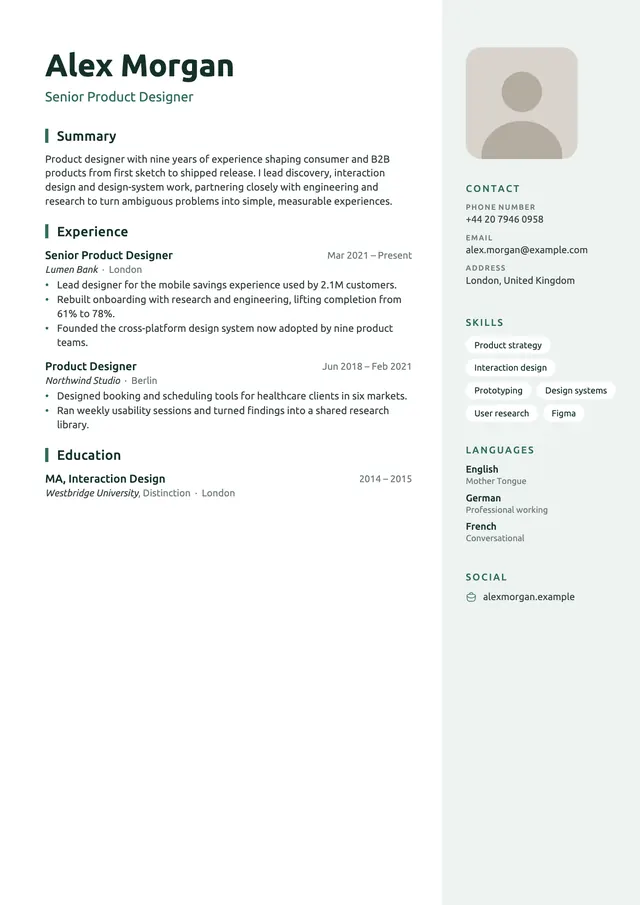
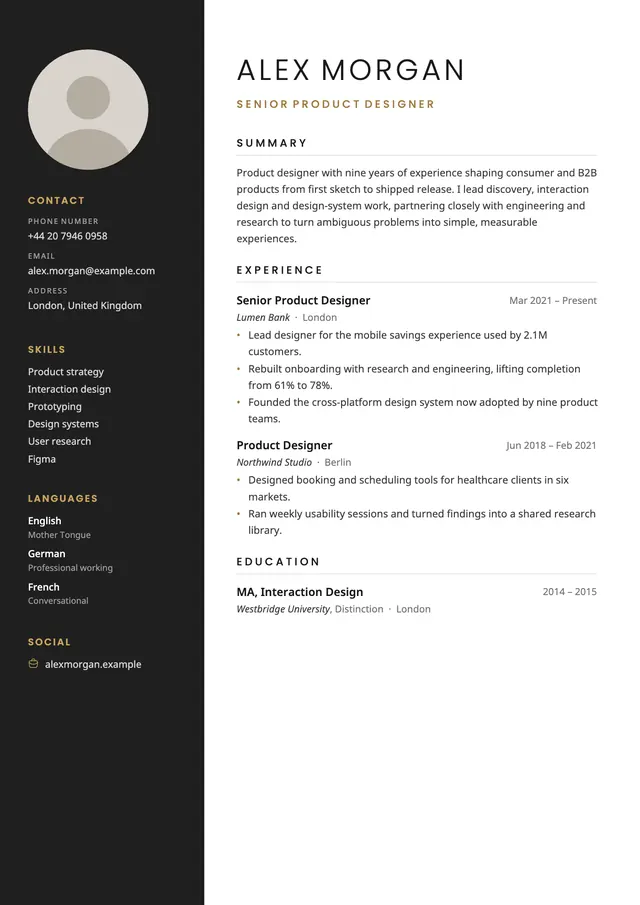
The warm sand panels set it apart from the grey of New York and the charcoal of Cairo.
Make it yours
The sample is a finished PDF, not a Word or Google Docs file. To use Sydney, fill in your details once in Smart CV on iPhone, choose Sydney and export your own PDF. Sections you leave empty are left out, and a long CV continues onto a second page.
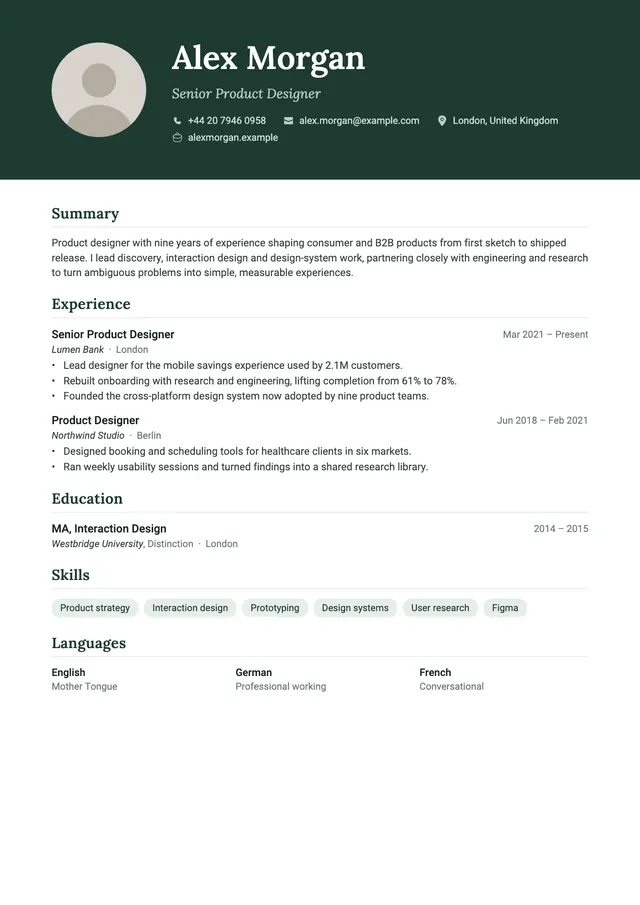
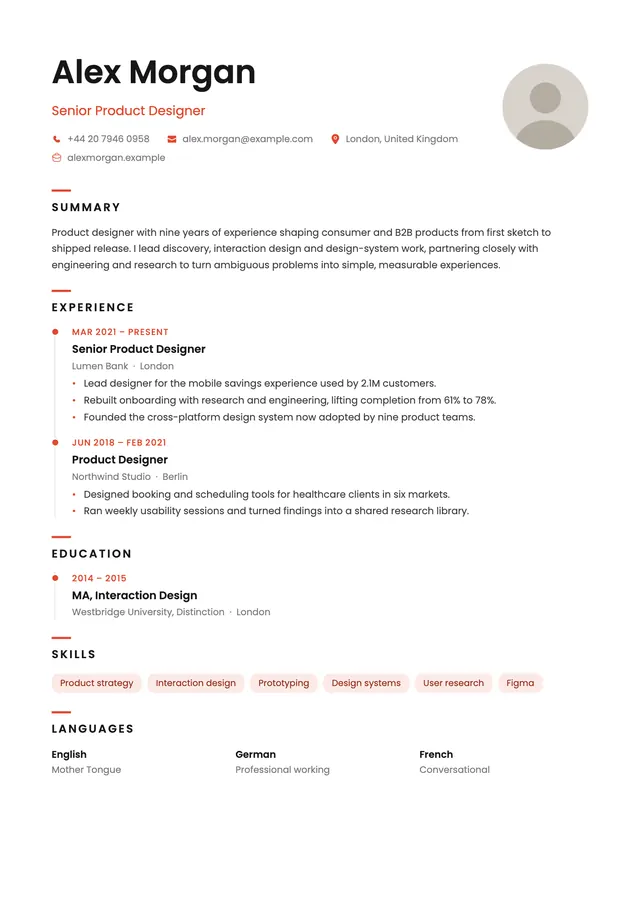
More design templates. Same content, new look.
See all 12 templates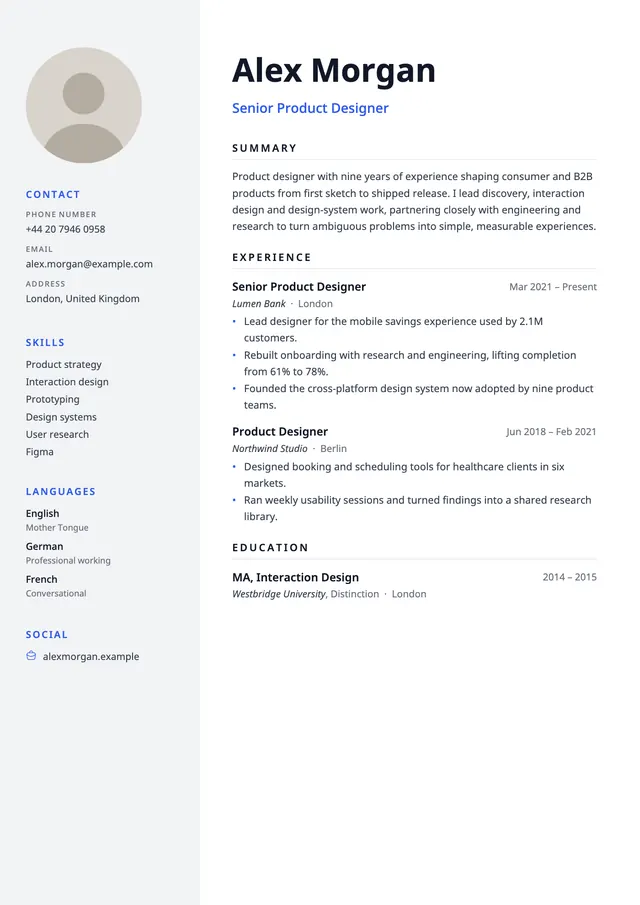
Already have a CV as a PDF? See how an applicant tracking system reads it. Free ATS checker

Sydney comes with Smart CV Pro.
Smart CV Pro, an auto-renewing subscription, unlocks all twelve templates, unlimited CVs, AI cover letters and CV scoring. Paris and New York are free. Plans and prices are shown in the app before you subscribe.